MoxDash
Mox with social content and scheduling tools

MOXDASH SOCIAL MEDIA

Your brand. Your content. Your approval.

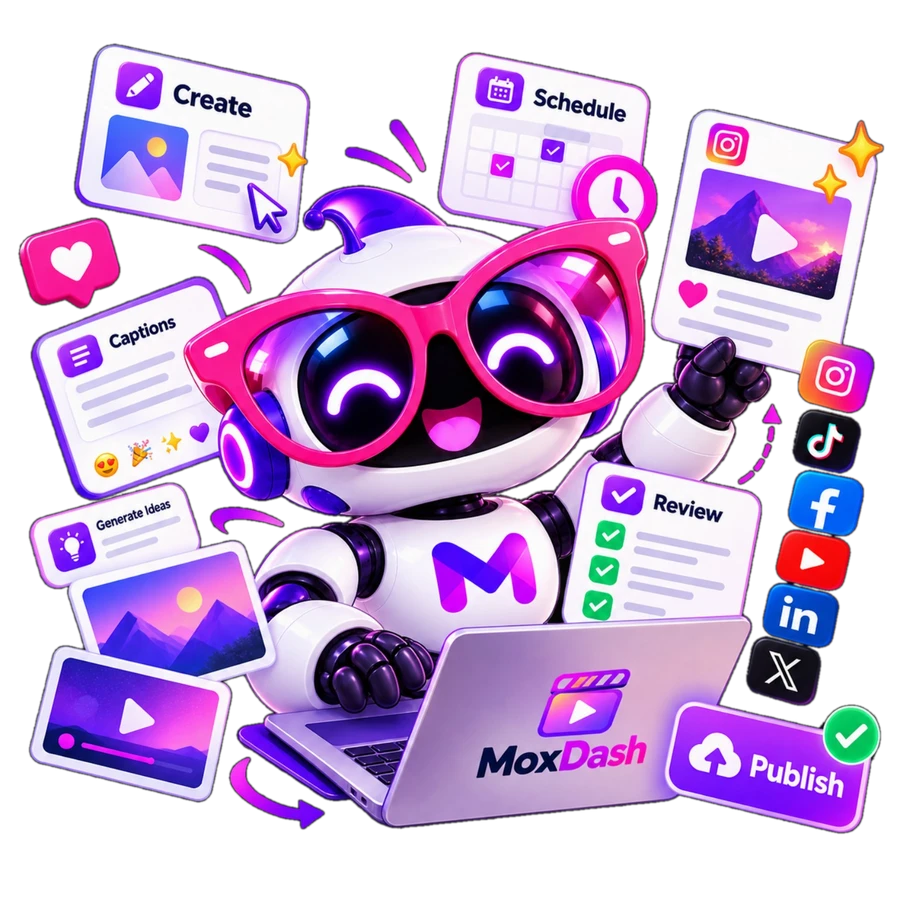
Mox helps you plan, create and organize social media. You review every post before it is shared.

AI Video Creator and Mox Websites are separate services. Publishing depends on supported platform permissions.

A simpler way to show up online

Keep your business voice at the center of every post.

Your business

Build content from the products, services, voice and goals you confirm.

Mox helps create

Plan captions and visuals without starting from a blank page.

You approve

Review the final version and choose when to publish it.

HOW SOCIAL MEDIA WORKS

From brand setup to published posts

Six easy steps from your first idea to your content calendar.

  1. STEP 01

    Tell Mox about your business

    Start with Brand Brain: your products or services, audience, tone and goals. Confirm the details so your content reflects your real business.

  2. STEP 02

    Add your brand references

    Add your logo, photos and visual references to Brand Library. Set video preferences and connect supported channels.

  3. STEP 03

    Plan and create

    Use My Month to plan ideas. Request AI captions, images or videos within the allowances included in your plan.

  4. STEP 04

    Review before sharing

    Check wording, images, prices and claims. Save drafts, move them to review and approve the exact version you intend to share.

  5. STEP 05

    Connect your channels

    Authorize each supported profile for this business. Your plan and each platform's permissions determine available publishing options.

  6. STEP 06

    Schedule and publish

    Choose the destination and time for approved content. Track your posts and calendar; some formats require finishing in the platform's own app.

What you can create

Choose the content tools and allowances that fit your plan.

Captions that sound like you

Explain a product, introduce a service or answer customer questions using your confirmed brand information.

Images for your brand

Create an AI image or use photos you have permission to share. AI images have their own allowance.

Video when included

Starter and Business include Professional AI videos, Powered by Kling AI: real movement across multiple shots with AI-generated sound. AI Video Creator is a separate subscription.

Everyday ways to use Mox

  • Introduce a real service and explain who it is for.
  • Plan a series answering the questions customers ask.
  • Share an authorized product photo with a helpful caption.
  • Prepare a seasonal message with dates and offers you confirm.

Suggested uses only—not a guarantee of reach, customers or sales.

Social Media questions

Does Mox publish without my approval?

Publishing requires explicit approval of the current version. Check AI output before sharing it.

Are posts, images and videos one allowance?

No. AI images, Professional videos and total posts have separate limits. Starter includes 2 Professional videos, Business includes 4 per rolling 30 days. Your own media still counts toward your post allowance.

Can I manage more than one business?

Each business has its own brand, channels, subscription and allowances. An additional business requires its own plan.

Does a Social plan include a website?

No. Mox Websites is a separate service with its own intake, pricing and approval process.

Ready to create with Mox?

Start Free, or compare the plan that works best for your business.

Looking for a website?
Compare Social plans